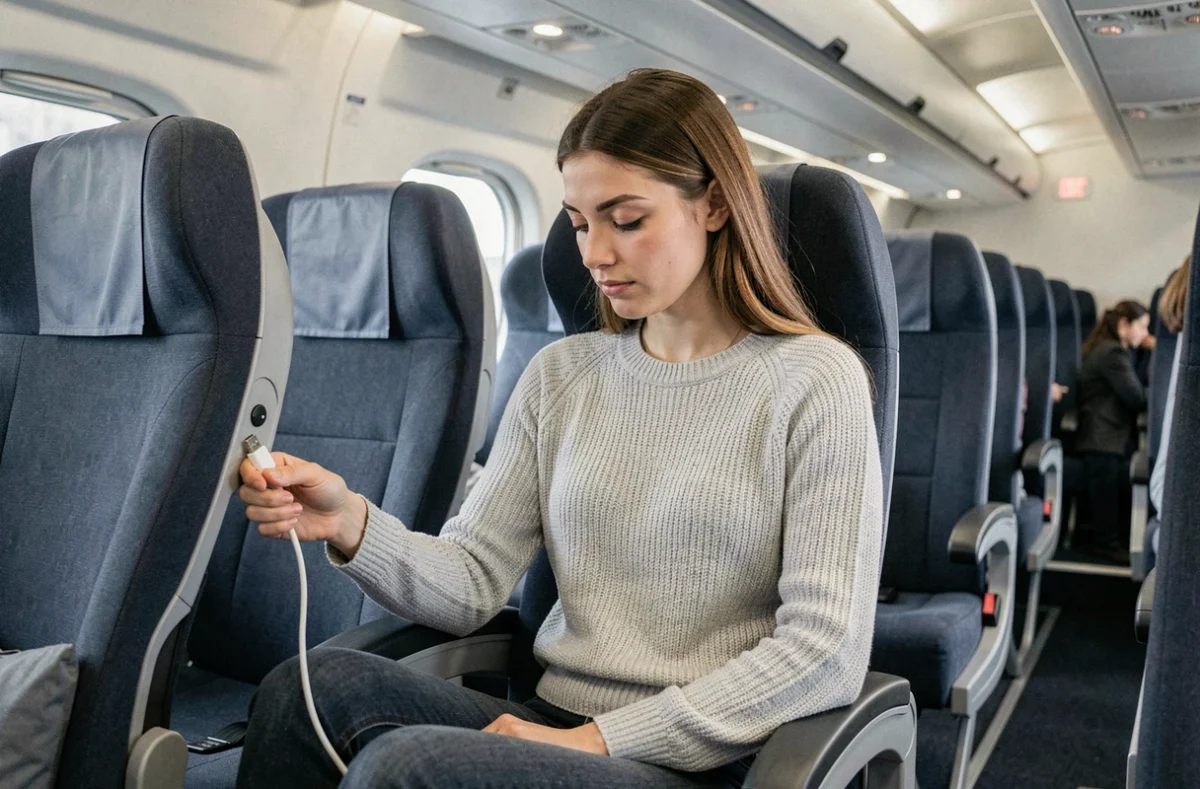
Taking a BlaBlaBus for the first time means trading train speed for rock-bottom fares. The seats recline, power outlets are available, and Wi-Fi is advertised. On paper, everything seems sorted. In practice, the experience varies depending on the vehicle, route and partner operator running the service.
Working or studying on a BlaBlaBus: is the Wi-Fi reliable?
Planning to review your notes, answer emails or join a video call on a Paris–Lyon trip? It’s worth checking the Wi-Fi before you board, not after.
Wi-Fi is free on some routes only. Omio makes this clear in its listings: the service isn’t available on every journey. For example, Wi-Fi is listed among the amenities on the Nancy–Rennes route, but may be unavailable on other journeys.
Information can even vary within the same booking platform. A general page may list Wi-Fi as a standard service, while a specific journey listing doesn’t mention it. This inconsistency makes it essential to check before relying on it.
The safest backup plan is to download your content before boarding. PDF course materials, playlists, podcast episodes and offline work documents—anything that doesn’t require an internet connection—will save you the frustration of an unstable or unavailable network.
If you’re looking for a complete overview of the interior of BlaBlaCar buses and their Wi-Fi, the details of the layout and connectivity vary enough from one coach to another to make it worth reading carefully.
Power outlets and USB ports on a BlaBlaBus: what to check
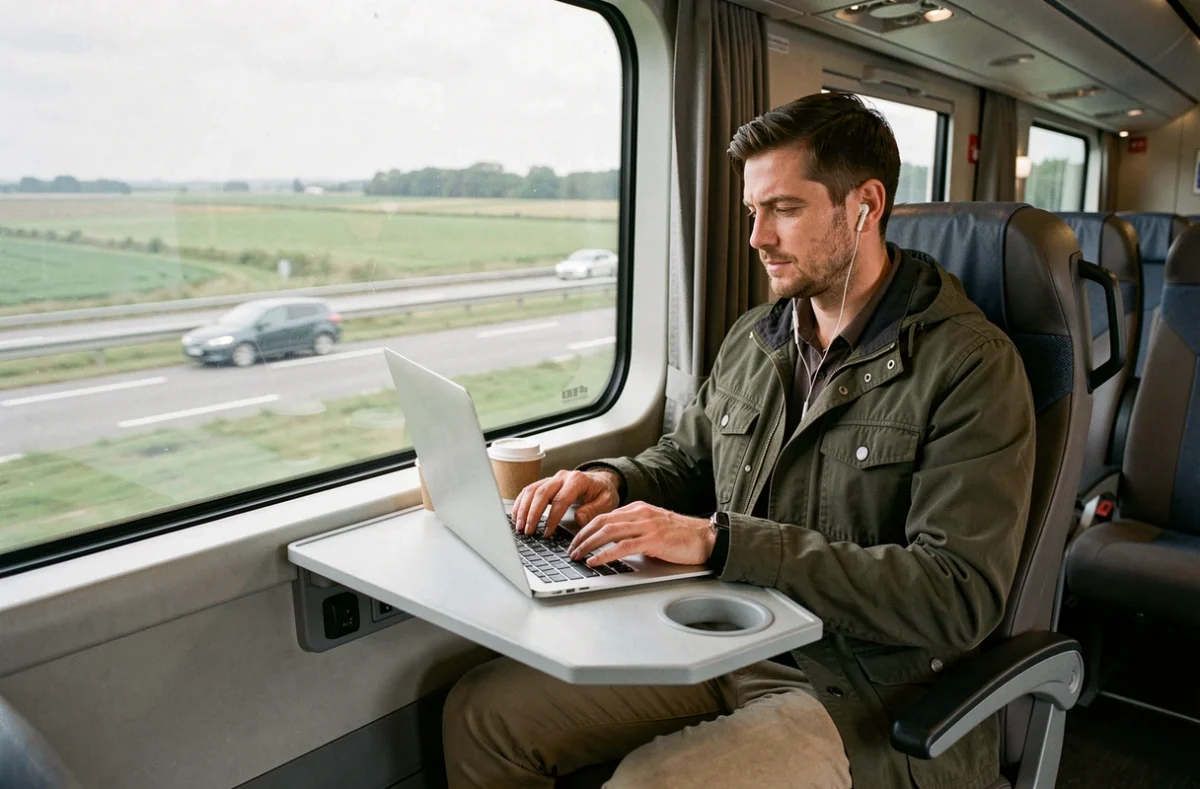
Promotional descriptions mention “power outlets and USB ports” without always specifying which ones are actually available at your seat. Omio lists both in its general descriptions, but its answers to travellers’ questions specifically mention USB ports.
The difference between a mains outlet and a USB port can make all the difference if you need to charge a laptop. A USB-A port provides enough power for a phone, but rarely for a laptop. If your journey lasts several hours and you plan to work on a computer, this distinction becomes a real issue.
Before you set off, pack these essentials:
- A power bank, in case there’s no mains outlet on board
- A USB-C cable and a USB-A cable, since the type of connector available on board isn’t guaranteed
- A compact power adapter if you’re travelling with a laptop, in case a 220 V outlet is available
Checking the exact amenities for your route in the booking details is the only reliable way to know what to expect.
BlaBlaBus seats and comfort: seat assignments, recline and legroom
Have you noticed how low-cost airlines sometimes assign seats at the last minute? BlaBlaCar Bus can work the same way. You can’t always choose your seat when booking. On some routes, your seat number is provided shortly before boarding.
This late assignment has a direct consequence: there’s no guarantee that two people travelling together will sit side by side. Some routes offer the option to pay extra to choose your seat, but this isn’t always available.
Reclining seats and footrests
The seats have adjustable backrests and footrests. Individual reading lights are provided, and the vehicles are air-conditioned. Comfort is reasonable for a two- to three-hour journey. For longer trips, legroom becomes a key factor.
The most effective way to travel more comfortably is to book during less busy time slots. Departing midweek or early in the morning increases your chances of having an empty seat beside you.
Why comfort varies from one journey to another
BlaBlaCar doesn’t own its own vehicles. Journeys are operated by partner carriers, each with its own fleet. A newer coach on a Paris–Lille route won’t offer the same experience as an older vehicle on a secondary route. Seat condition, cleanliness and space between rows depend on the operator, not directly on BlaBlaCar.
Toilets, luggage and other onboard amenities
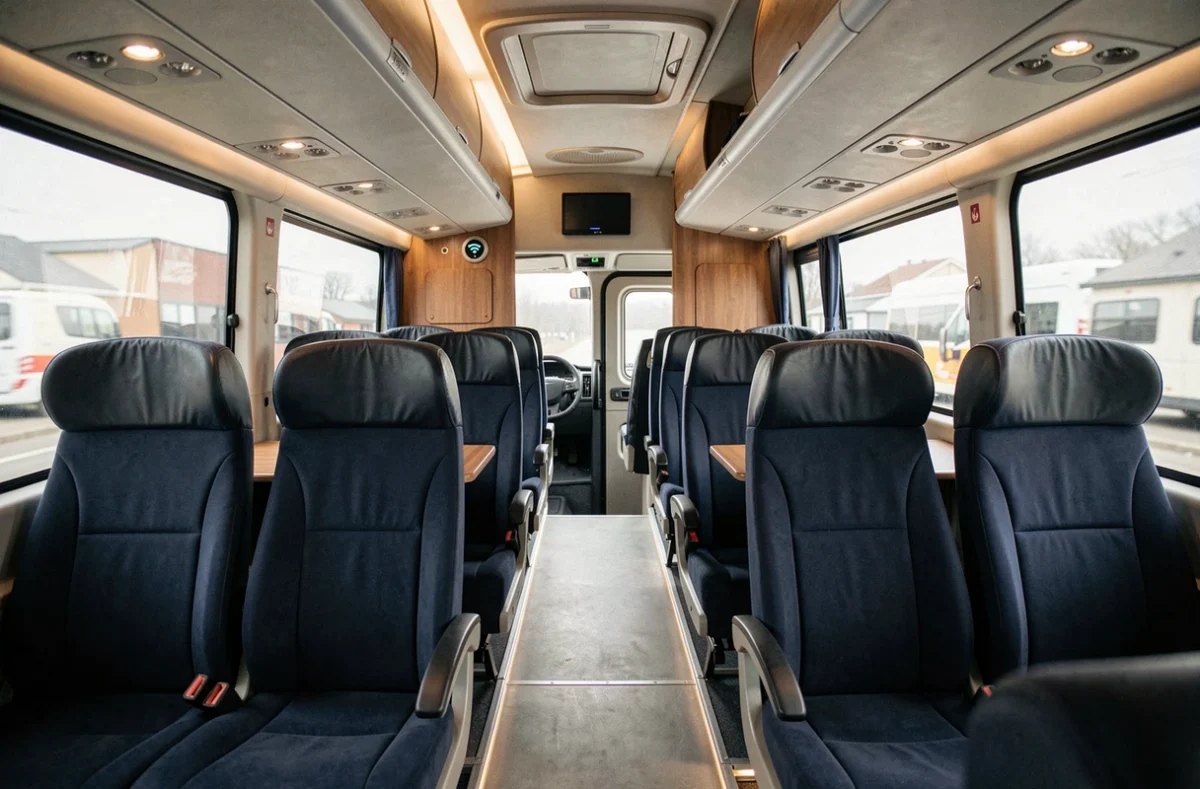
Every coach has toilets available during the journey. This is standard on long-distance routes, and BlaBlaBus is no exception. The overhead racks can hold bags and cabin luggage, while larger suitcases go in the luggage compartment.
Keep these items within easy reach:
- Your electronic devices, chargers and power bank in a bag you can access from your seat
- Water and a snack, as stops aren’t always scheduled on short journeys
- Headphones or earbuds, since quiet isn’t guaranteed on a shared coach
These amenities—toilets, luggage compartment, air conditioning and individual reading lights—make up the standard offering advertised by BlaBlaCar Bus. Wi-Fi, the type of power outlets and the condition of the vehicle are the three things that can vary, depending on the route and operator.
The same rule applies before every booking: check the detailed listing for your journey rather than relying on general pages. Broad claims give you an idea of the service, but only the route-specific listing confirms what will actually be available on board.