
A virus that installs itself on a computer rarely exploits a vulnerability in the operating system itself. In most cases, the infection occurs through an unsuspecting opened file, a poorly configured home network, or a reused password across multiple services. Protecting devices against cyber threats in 2024 requires understanding these real entry points before choosing a defense tool.
Home Router and Wi-Fi Network: The Vulnerability That Antivirus Does Not Cover
Most security guides start with the installation of antivirus software. The problem is that this software acts only once the threat has already reached the device. The home router, on the other hand, serves as the gateway for all network traffic to every connected device in the household.
A router whose firmware has not been updated since its initial installation retains known vulnerabilities. An attacker who compromises the router can redirect DNS traffic, intercept login credentials, or inject malicious content into legitimate web pages, all without triggering an alert on the workstation.
Three actions significantly reduce this risk:
- Replace the router’s default administrator password with a long, unique passphrase that is different from the Wi-Fi password.
- Check the manufacturer’s website for a recent firmware update, then apply it manually if automatic updates are not enabled.
- Disable the WPS (Wi-Fi Protected Setup) protocol, often enabled by default, which allows an attacker to guess the PIN code in a few hours.
Specialized resources like viruslab.fr detail the technical criteria for assessing the level of protection of a home network beyond just antivirus.

PDFs, Attachments, and Underestimated Attack Vectors
The PDF file remains a credible threat vector. A PDF document can contain JavaScript, redirect links, or embedded objects capable of triggering the download of malware. This technical possibility is often overlooked because the PDF format is perceived as a simple reading document.
The classic scenario: a phishing email contains an invoice or an order form in PDF format. The recipient opens it in their default PDF reader. If this reader allows script execution or automatic link opening, the infection can occur without further interaction.
Reducing the Attack Surface Related to Files
Configuring the PDF reader to block JavaScript execution by default limits the risk. In Adobe Acrobat Reader, this setting can be found in the security preferences. Alternative readers like SumatraPDF do not execute scripts at all, eliminating this vector.
For attachments in general, never open an executable file received via email, even if it has a familiar extension. Files like .exe, .scr, or .bat disguised as documents remain a frequent infection channel.
Identity Protection and Dark Web Monitoring: What Antivirus Now Covers
The antivirus solutions market has evolved towards security suites that include identity protection. Publishers now offer dark web monitoring, password leak detection, and alerts in case of fraudulent use of personal data.
This shift reflects a reality: the theft of credentials often causes more damage than a traditional virus. A compromised password on an email service grants access to the reset of dozens of other accounts. The attacker then needs no malware to empty a bank account or impersonate an identity.
Multi-Device Coverage and Integrated VPN
Recent antivirus comparisons highlight multi-device coverage (PC, smartphone, tablet) and the integration of a VPN. This approach responds to a hybrid usage: the same credentials are used on a desktop computer, a personal phone, and sometimes a shared family tablet.
A VPN integrated into the security suite encrypts traffic on public Wi-Fi networks, where antivirus alone offers no protection against data interception. The combination of antivirus, VPN, and password manager within a single subscription simplifies management without multiplying software.
Updates and Digital Hygiene: Actions That Block Most Attacks
Applying operating system and application updates as soon as they are released remains the most effective security gesture. Security patches close vulnerabilities that are already actively exploited. Delaying an update for several weeks leaves a real exposure window.
Beyond updates, a few practices block the vast majority of infection attempts:
- Use a unique password for each service, generated and stored in a password manager. Reusing the same password is the leading cause of chain compromise.
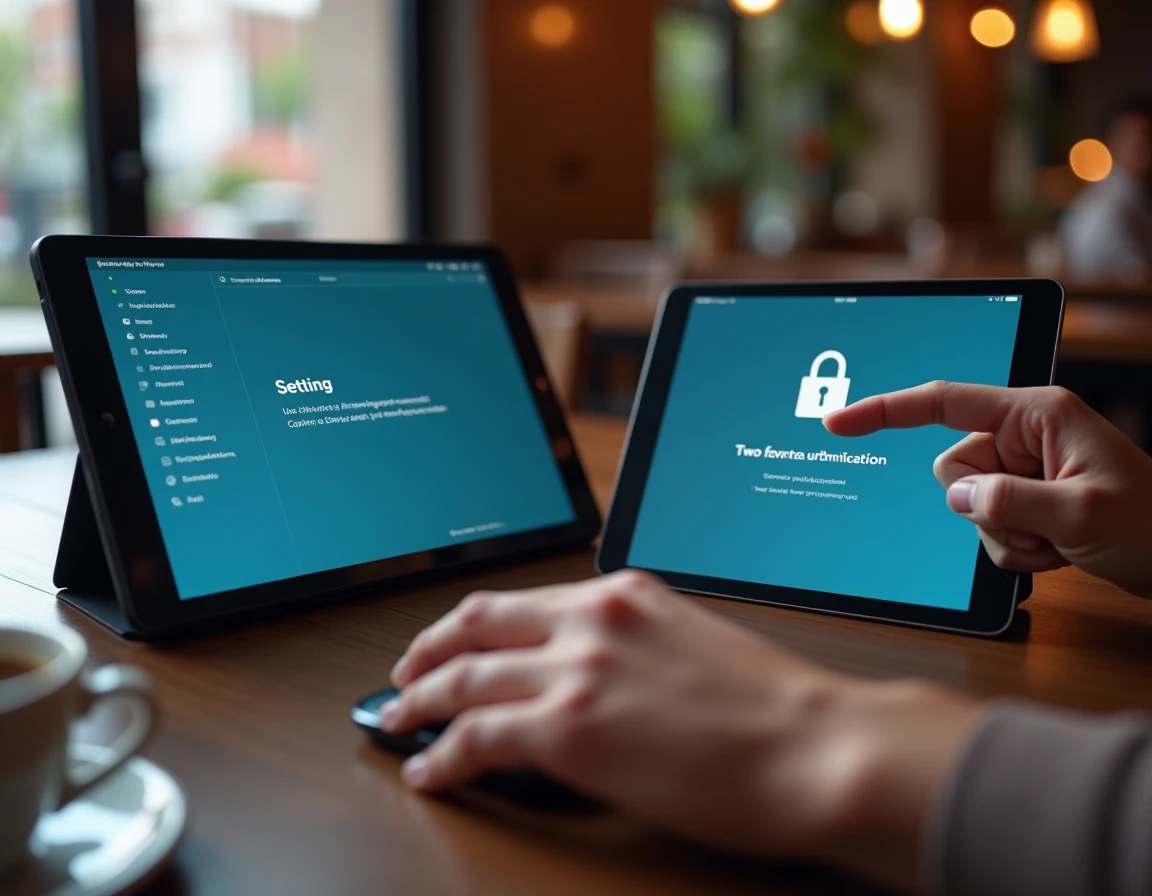
- Enable two-factor authentication on all accounts that offer it, prioritizing an authentication app over SMS.
- Install applications only from official stores (App Store, Google Play, publisher’s site) to avoid modified versions containing malicious code.
- Regularly back up data to a network-disconnected medium, the only reliable defense against ransomware that would encrypt local and cloud files simultaneously.
Securing the cloud also deserves special attention. An online storage account protected by a weak password and without two-factor authentication exposes all synchronized documents, regardless of the level of protection installed on the device itself.
Protecting a device in 2024 means securing a complete ecosystem: the network that connects it, the credentials that grant access to services, the files that transit through it, and the backups that allow recovery after an attack. Antivirus remains a useful brick, but it only covers a fraction of this surface.